How RubiCube connects your data and surfaces what matters

Initiate

  • Identify your inventory and procurement KPIs
  • Map your existing data sources — ERP, POS, databases, spreadsheets

Design

  • Configure inventory and procurement dashboards to your KPIs
  • Define reorder thresholds, vendor scorecards, and spend categories

Execute

  • Connect your ERP, POS, and data sources via API connectors
  • Extract, clean, and standardise your inventory and purchase data
  • Validate stock positions, PO data, and vendor records

Implement

  • Go live - dashboards available on web and mobile
  • Activate reorder alerts, spend variance notifications, and vendor performance flags

Optimize

  • Review stock accuracy, reorder performance, and vendor scorecard trends
  • Refine reorder thresholds, spend categories, and alert triggers
  • Update dashboards as your product range, locations, or data sources grow
Connecting image
  • 1Initiate inactive-image-1 active-image-1

  • 2Design inactive-image-2 active-image-2

  • 3Execute inactive-image-3 active-image-3

  • 4Implement inactive-image-4 active-image-4

  • 5Optimize inactive-image-5 active-image-5

  • 1Initiate
  • 2Design
  • 3Execute
  • 4Implement
  • 5Optimize

Initiate

  • Identify your inventory and procurement KPIs
  • Map your existing data sources — ERP, POS, databases, spreadsheets

Design

  • Configure inventory and procurement dashboards to your KPIs
  • Define reorder thresholds, vendor scorecards, and spend categories

Execute

  • Connect your ERP, POS, and data sources via API connectors
  • Extract, clean, and standardise your inventory and purchase data
  • Validate stock positions, PO data, and vendor records

Implement

  • Go live - dashboards available on web and mobile
  • Activate reorder alerts, spend variance notifications, and vendor performance flags

Optimize

  • Review stock accuracy, reorder performance, and vendor scorecard trends
  • Refine reorder thresholds, spend categories, and alert triggers
  • Update dashboards as your product range, locations, or data sources grow

Dashboard

Inventory and procurement dashboards - built on your data

RubiCube inventory stock positions and reorder signals dashboard
Live stock positions across every location and SKU, updated from your ERP.
Reorder alerts surface automatically when stock falls below defined thresholds.
RubiCube purchase order analytics and vendor scorecard dashboard
Purchase order spend by vendor, price variance vs prior PO, and PO cycle time tracked automatically.
Vendor scorecards updated continuously from your procurement data.
RubiCube demand forecasting and automated reorder dashboard
Demand forecasts generated from actual sales velocity and historical movement data.
Suggested reorder quantities calculated per SKU and location.
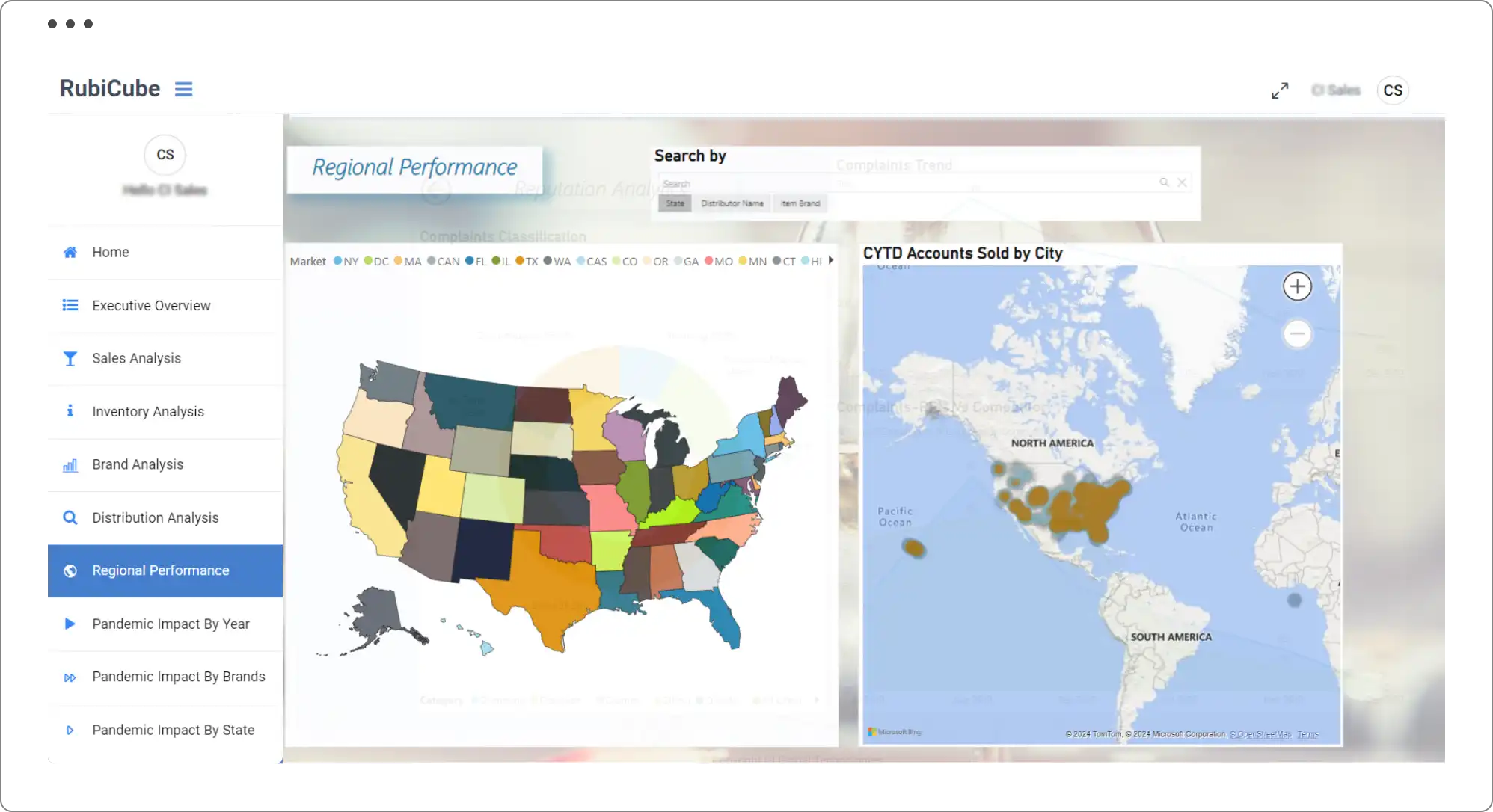
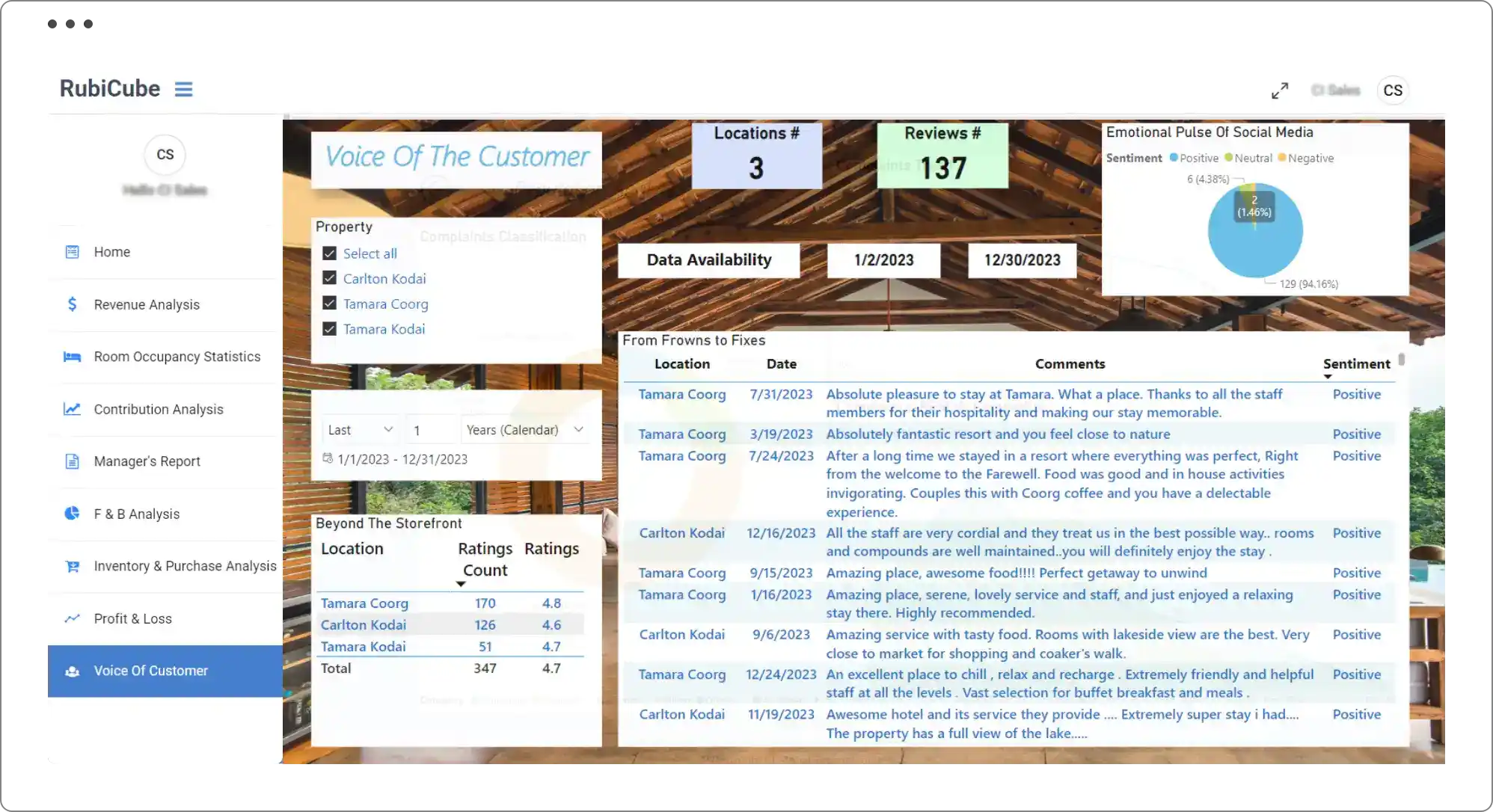
  • Reputation analysis strengthens brand trust effectively.
  • Graphical data visualizations reveal clearer trends.
  • Analyzing geographic data reveals critical performance trends.
  • Region-specific searches ensure detailed insights.
  • Leverage existing data for personalized business decisions.
  • Gain emotional insights from social media analysis.

Industries

Inventory and procurement intelligence across your industry

RubiCube inventory and procurement analytics for agriculture and poultry

Agriculture & Poultry

Agriculture & Poultry

Track feed inventory, procurement spend, and supplier performance across your agricultural operations.

Read more
RubiCube FMCG inventory and procurement analytics

FMCG

FMCG

Manage fast-moving inventory across distribution channels. Real-time stock visibility, demand forecasting, and vendor performance tracking from your ERP and WMS.

Read more
RubiCube hospitality inventory and procurement analytics with RuPOS

Hospitality

Hospitality

Outlet-level stock reconciliation, menu item demand signals, and purchase order automation. RubiCube and RuPOS together close the loop from point-of-sale to replenishment.

Read more
RubiCube logistics and distribution inventory analytics

Logistic & Distribution

Logistic & Distribution

Real-time stock visibility across warehouses and distribution centres, automated replenishment signals, and vendor lead time tracking from your WMS and ERP.

Read more
RubiCube manufacturing inventory and procurement analytics

Manufacturing

Manufacturing

Live raw material stock linked to your production schedule. Reorder signals before shortages stop a production run. Vendor scorecards tracking delivery reliability and lead time.

Read more
RubiCube retail inventory and procurement analytics

Retail

Retail

Demand forecasting by SKU and location, reorder recommendations, slow-mover alerts, and purchase analytics connected from your POS and ERP.

Read more
RubiCube services industry inventory and procurement analytics

Services

Services

Track consumable inventory, manage supplier spend, and automate procurement reporting for service-based operations connected to your ERP.

Read more
RubiCube wine and beverage inventory and procurement analytics

Wine & Beverage

Wine & Beverage

Inventory tracking across production batches and distribution channels, demand forecasting tied to sales movement, and procurement spend analytics from your ERP.

Read more

FAQ

Frequently asked questions about how RubiCube works

Can't find what you're looking for? Contact us.

CONTACT US

RubiCube connects to your existing ERP, POS, CRM, or any cloud or on-premises database via API connectors. There is no data migration and no disruption to your existing systems. Once connected, inventory and purchase data is extracted, cleaned, and standardised automatically. Data refreshes once per day on the Essentials plan and up to four times per day on the Advanced plan. Custom refresh schedules are available.

RubiCube uses an Extract, Transform, Load (ETL) process to pull data from your connected systems, clean and standardise it, and surface it as inventory and procurement dashboards. Data from multiple ERPs, POS systems, or databases is normalised into a single consistent view. Anomalies and outliers in stock or purchase data are flagged automatically.

No. RubiCube connects to your existing systems via API and does not require data migration. Your ERP, POS, and other systems remain unchanged. RubiCube reads from them, standardises the data, and surfaces it in dashboards. Setup takes a minimum of 36 hours.

Data refresh frequency depends on your plan. The Essentials plan refreshes once per day. The Advanced plan refreshes up to four times per day. Custom schedules are available on request. For hospitality and QSR operators using RuPOS, outlet-level stock data updates with each transaction.

Yes. Reorder thresholds, vendor scorecard criteria, spend categories, alert triggers, and dashboard layouts are all configured to your data and your KPIs during the setup process. CI Global handles the configuration. Business users access the dashboards without needing technical knowledge.